
Click to Teach, Enhanced: A New Level of Language Learning in the Primary Classroom
We’re excited to introduce the next step forward for French and Spanish teaching inside the primary classroom, an enhancement to Click to Teach that takes learning beyond audio and into high-quality, child-friendly video.
This is not a replacement for Video to Teach. Instead, it’s a powerful upgrade to Click to Teach, designed to make lessons even clearer, more engaging, and more supportive for both confident and non-specialist teachers.
From Audio to Video: See It. Hear It. Master It.
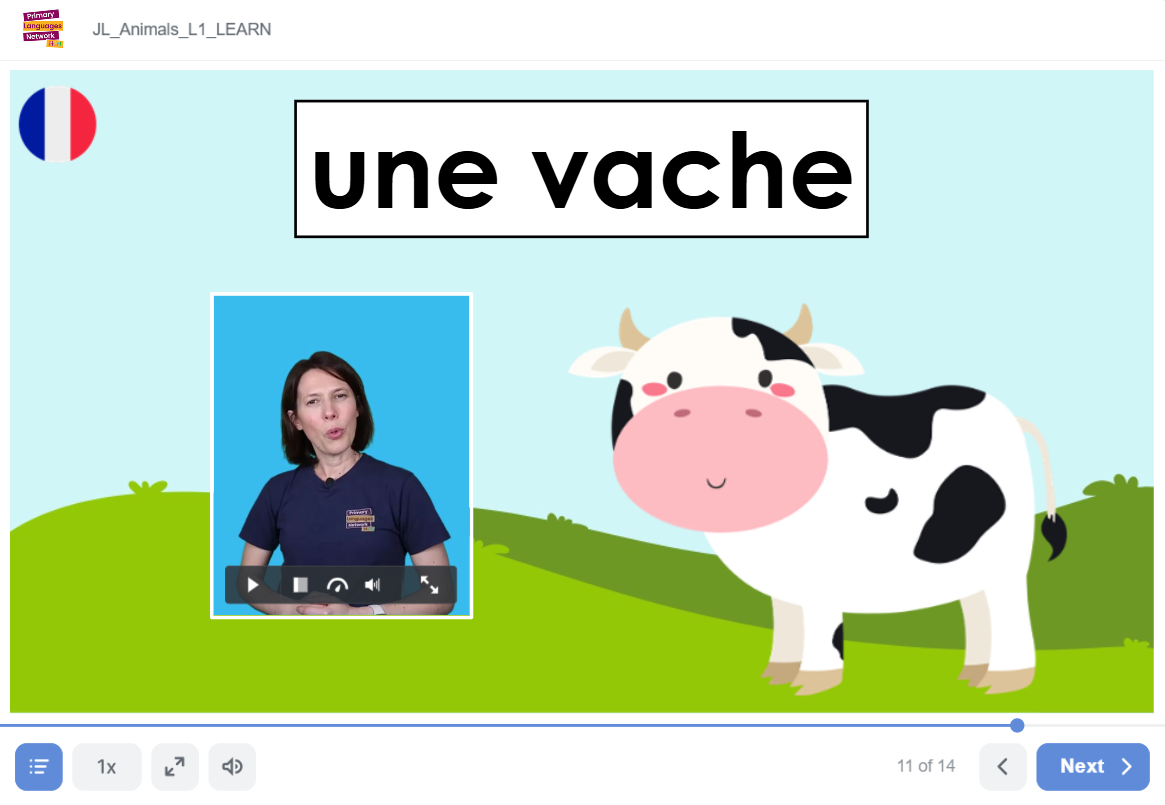
users now have access to video clips not audio clips for their lessons
Previously, Click to Teach lessons used high-quality audio files to model French and Spanish. These worked well, but we knew we could go further.
Now, lessons will include short, high-quality video clips that can be played directly within the lesson. This allows pupils to:
See and hear the language at the same time
Focus more clearly on mouth movement and pronunciation
Slow down the video to practise carefully and confidently
This visual element makes a huge difference, particularly for younger learners and pupils who benefit from seeing language modelled, not just hearing it.
Built-In Recaps to Support Attention and Retention
We know how important regular retrieval and recap is for learning — especially when attention spans are limited.
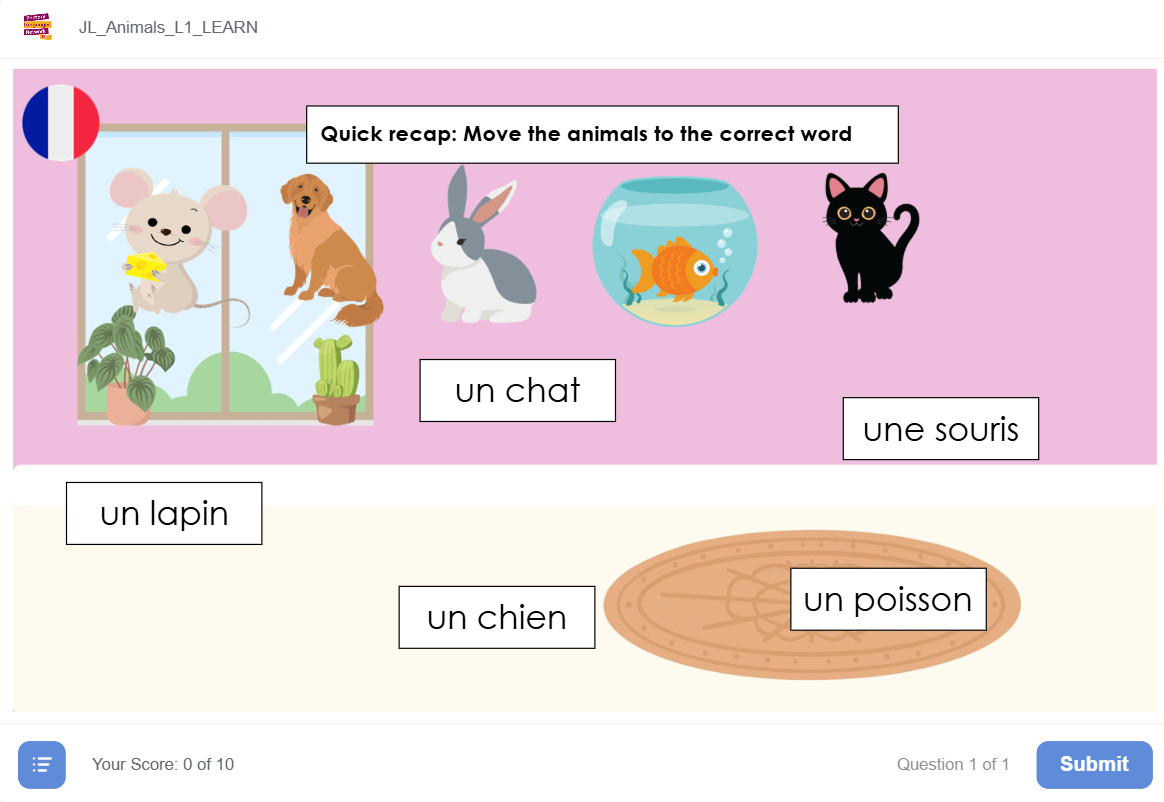
An example recap slide
That’s why we’ve introduced short recap activities within lessons, where appropriate. These are found in the Learnsection of each lesson and include activities such as:
Drag-and-drop tasks
True or false questions
Fill-the-blank activities
Matching English to French or Spanish
These quick interactions give pupils a chance to revisit vocabulary while still moving the lesson forward, reinforcing learning without breaking momentum.
So far, these recap modules are live in:
Autumn 1 and Spring 1
Stage 1
Our intention is to roll this feature out across the entire scheme, because we know just how valuable it is for long-term learning.
Easier Navigation for Teachers
Another small but powerful upgrade is the slide selector in the bottom-left corner of the screen.
This allows teachers to:
Jump quickly between slides
Move from slide 1 to slide 7 (or any other slide) instantly
Teach more fluidly without unnecessary clicking
It’s a simple addition that makes lessons feel smoother and more teacher-friendly.
What This Means for Schools
These enhancements, alongside more interactive features coming soon with our new software, will:
Improve how French and Spanish are delivered in primary schools
Increase confidence for non-specialist teachers
Make lessons more engaging and accessible for pupils
Click to Teach remains exactly what it’s always been: a structured, supportive way to deliver high-quality language lessons.
This update simply makes it even better.
Watch the Demo
I’ve recorded a short demo video walking through these new features so you can see them in action. You’ll find the video embedded below, I’d really encourage you to take a look and explore what’s now possible inside Click to Teach.